
What the Inbox does
Put anything for the books in your Inbox: bank and card downloads, statement PDFs, payroll reports, invoices you sent, bills, receipts, W-9s, tax forms and letters, leases, insurance and loan paperwork. Nani reads each file and files it into your encrypted company file. What it can't place waits for a quick answer.
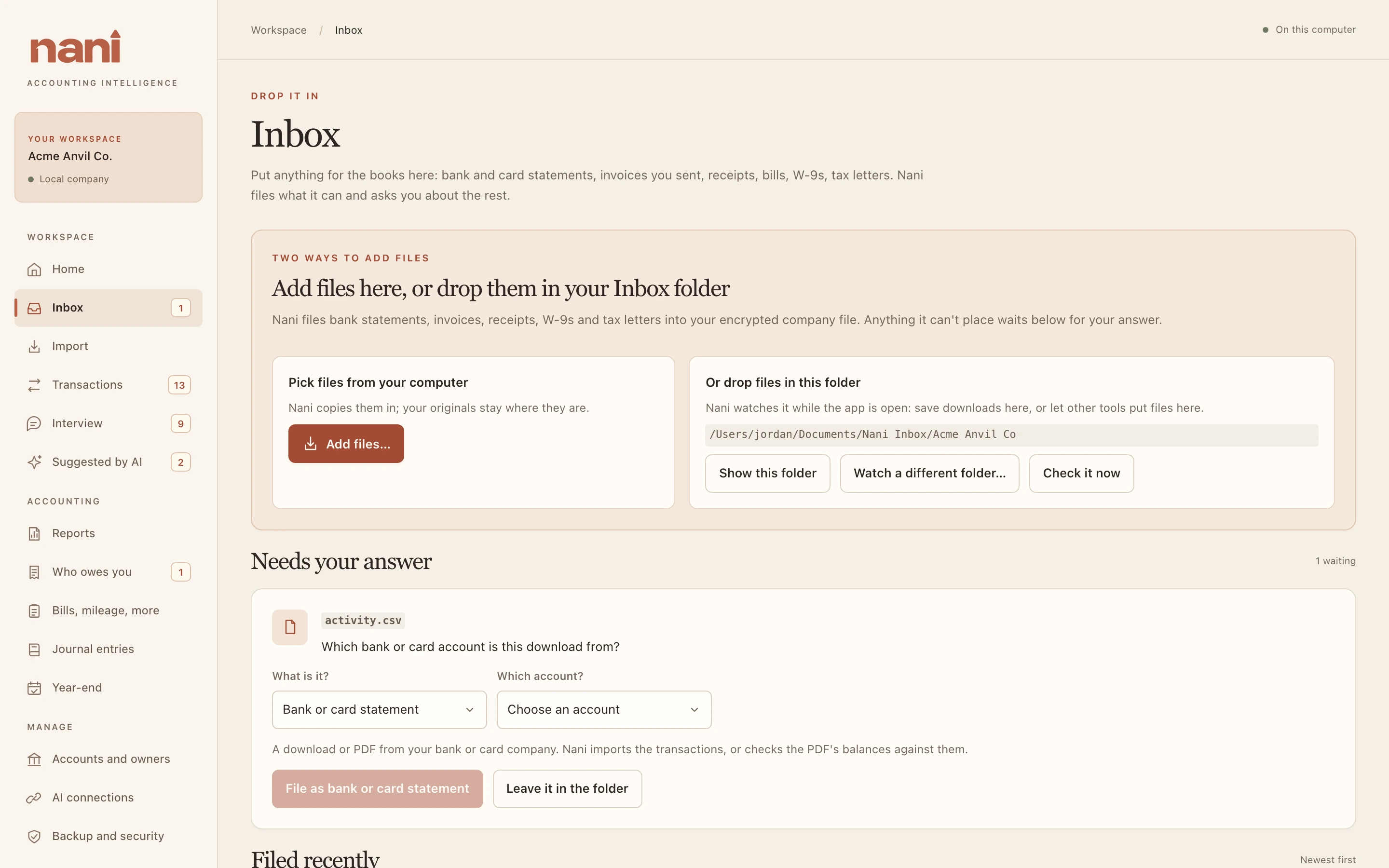
Two ways to add files
- Add files… picks files on your computer. Nani copies them in; your originals stay where they are.
- Drop files in your Inbox folder. Nani watches it while the app is open. It starts out as Documents, Nani Inbox, then your company's name. Show this folder opens it, and Watch a different folder… picks another.
Nani checks the folder every 20 seconds, or right away with Check it now. Files it files are moved inside your company file and removed from the folder.