Activate your license
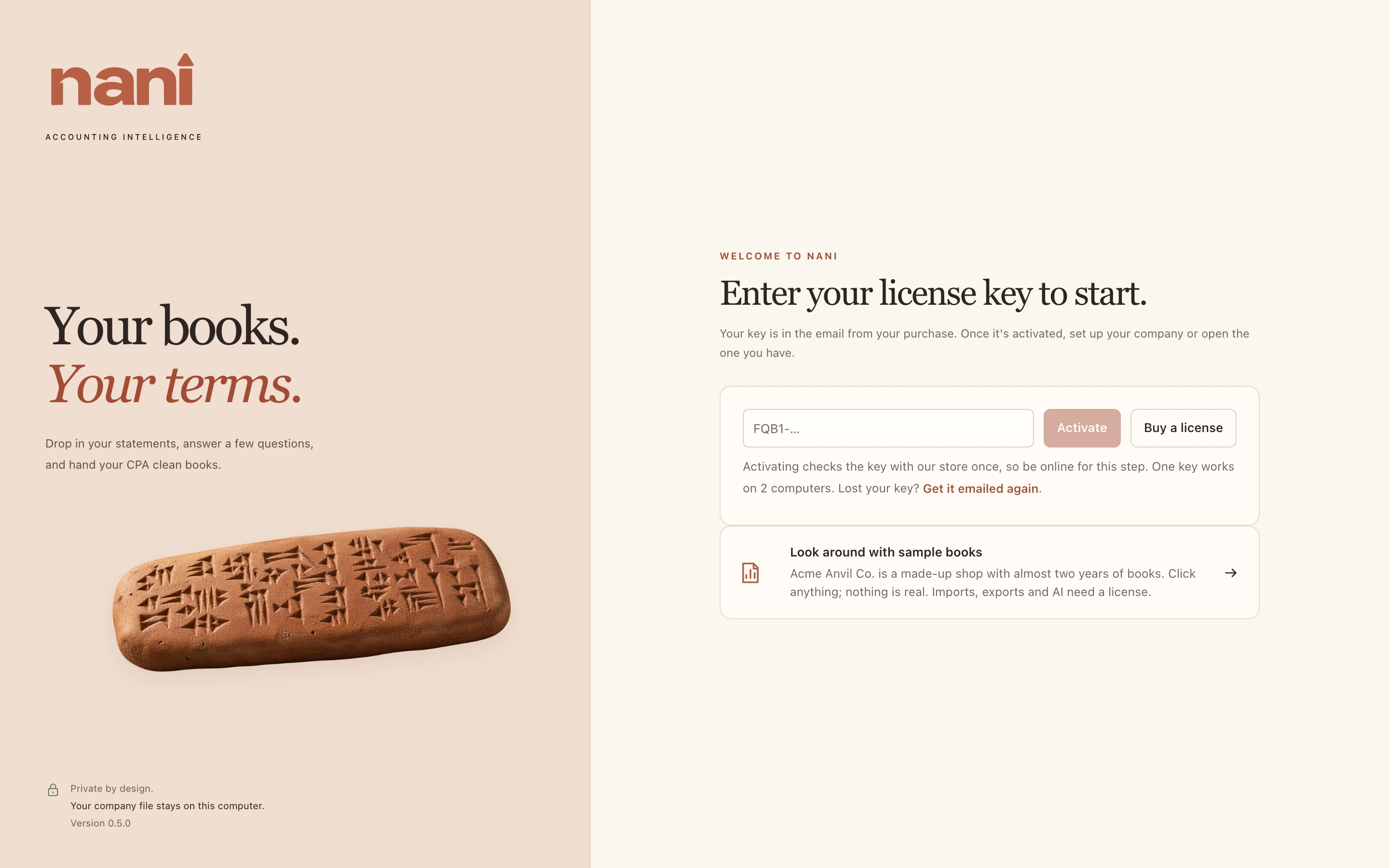
The first time Nani opens, it asks for your license key. The key is in the email from your purchase and starts with FQB1-.
- Copy the whole key from your email.
- Paste it into the box and choose Activate. Be online for this step: Nani checks the key with our store once. It can take a moment.
- Once it's activated, Nani shows the welcome screen, where you set up your company or open the one you have.
- One key works on 2 computers, for example a desktop and a laptop. Each company you keep works on both.
- Lost the key? Go to store.naniaccounting.com/resend and type the email you bought with. Nani's store emails the key to that address.
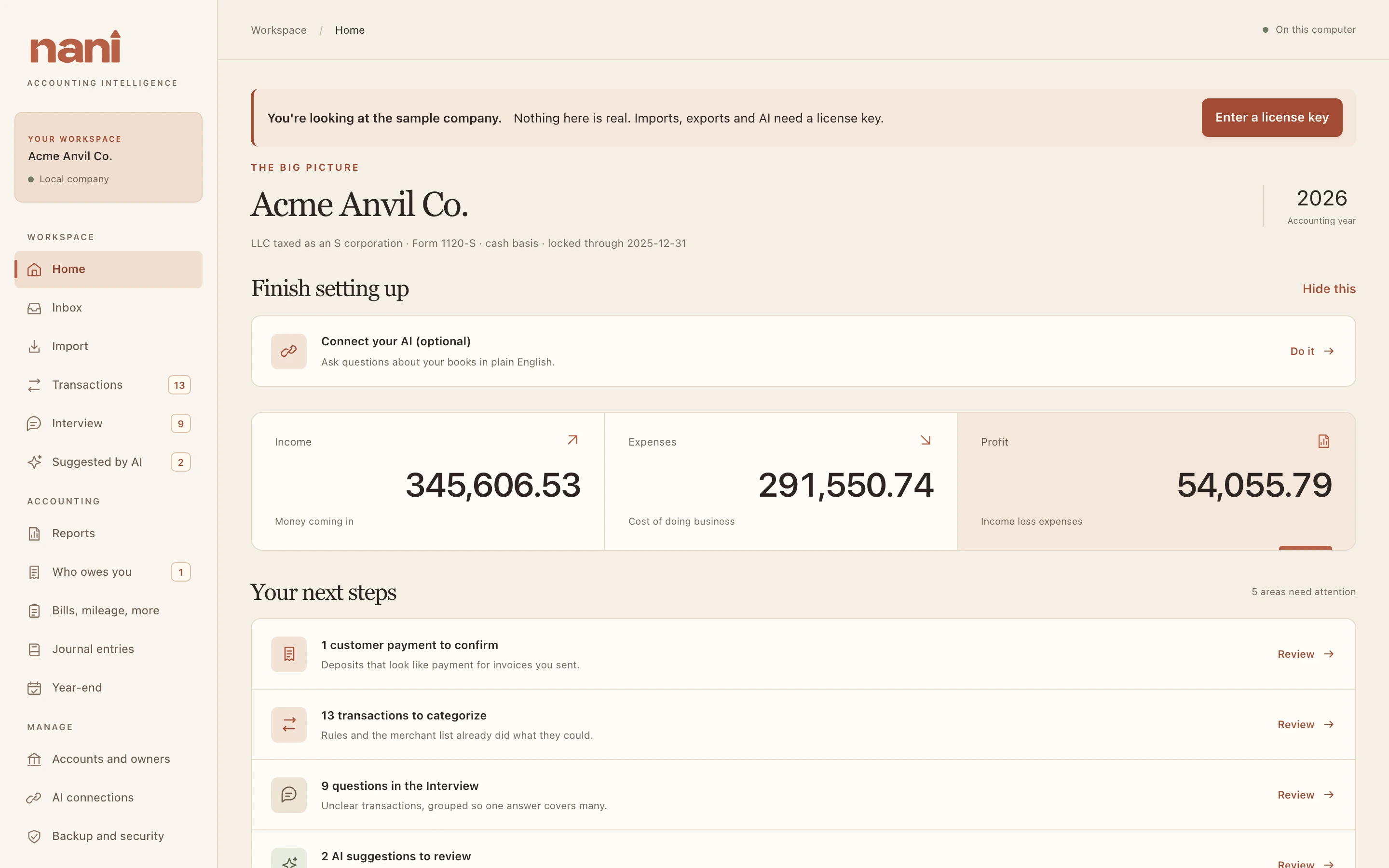
- No key yet? Choose Look around with sample books to explore Acme Anvil Co. Imports, exports, backups and AI need a license.