Backups
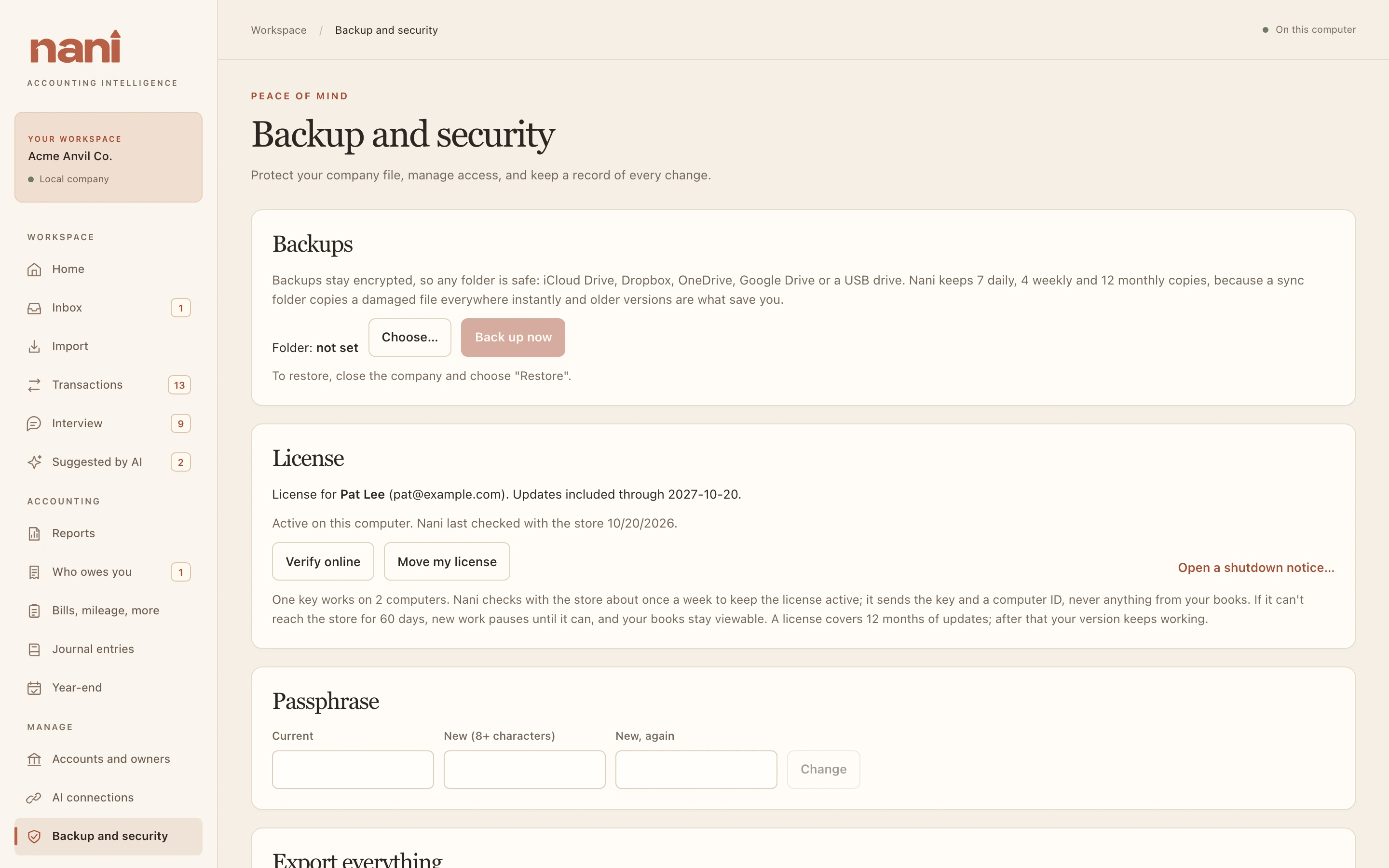
Choose a backup folder and Nani backs up about once a day while your books are open, and whenever you choose Back up now. Backups stay encrypted. You can choose a folder on iCloud Drive, Dropbox, OneDrive, Google Drive or a USB drive; protect access to that location and keep your passphrase private.

- Nani keeps 7 daily, 4 weekly and 12 monthly copies, because a sync folder copies a damaged file everywhere instantly and older versions are what save you.
- Each company backs up to its own folder inside the one you chose, so two companies never overwrite each other's backups.
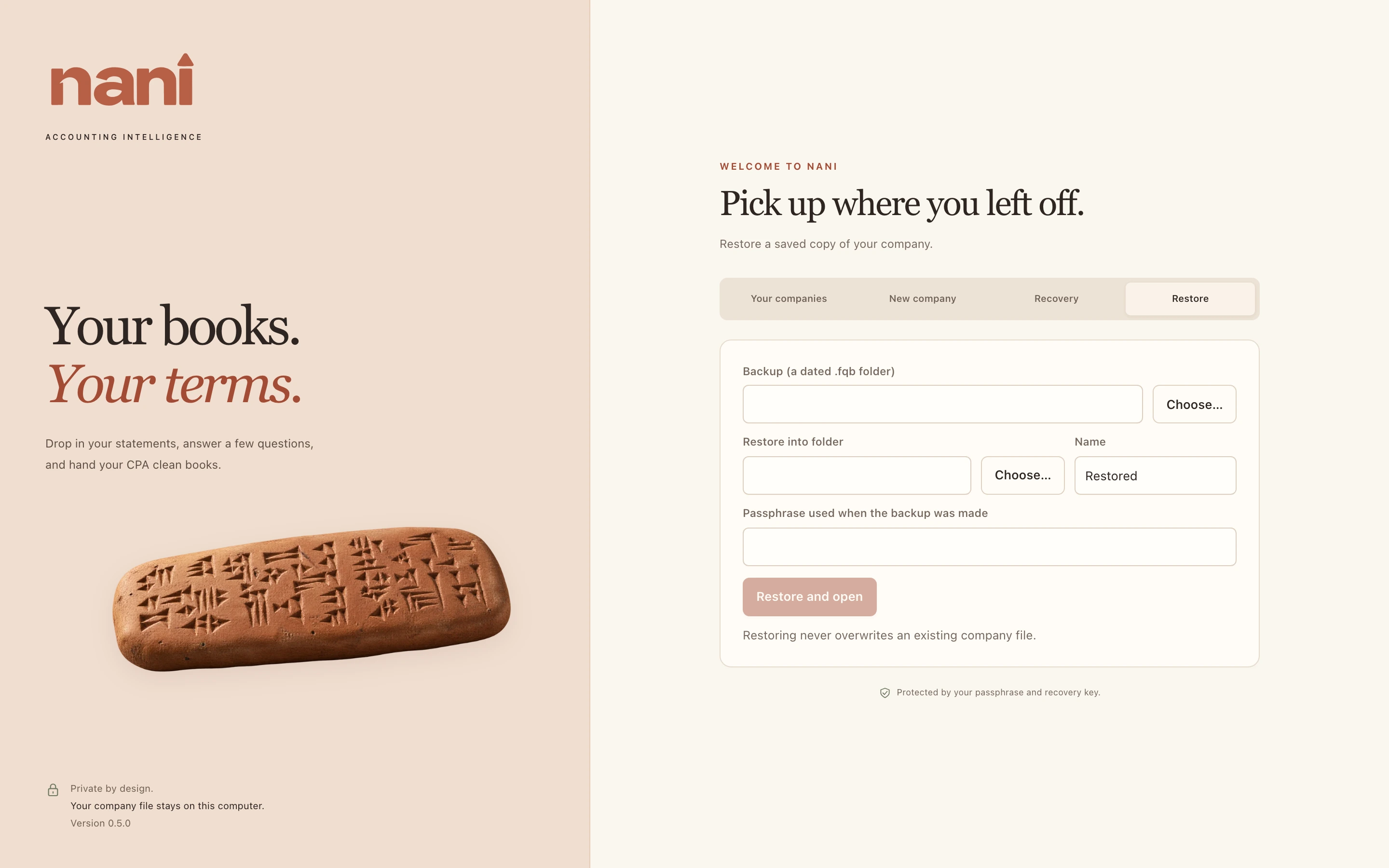
- To restore: close the company, open the Restore tab on the welcome screen, choose a dated backup, a place and a name, and the passphrase in use when that backup was made. Restoring always makes a new copy; it never overwrites a company file.