
Restore from the welcome screen
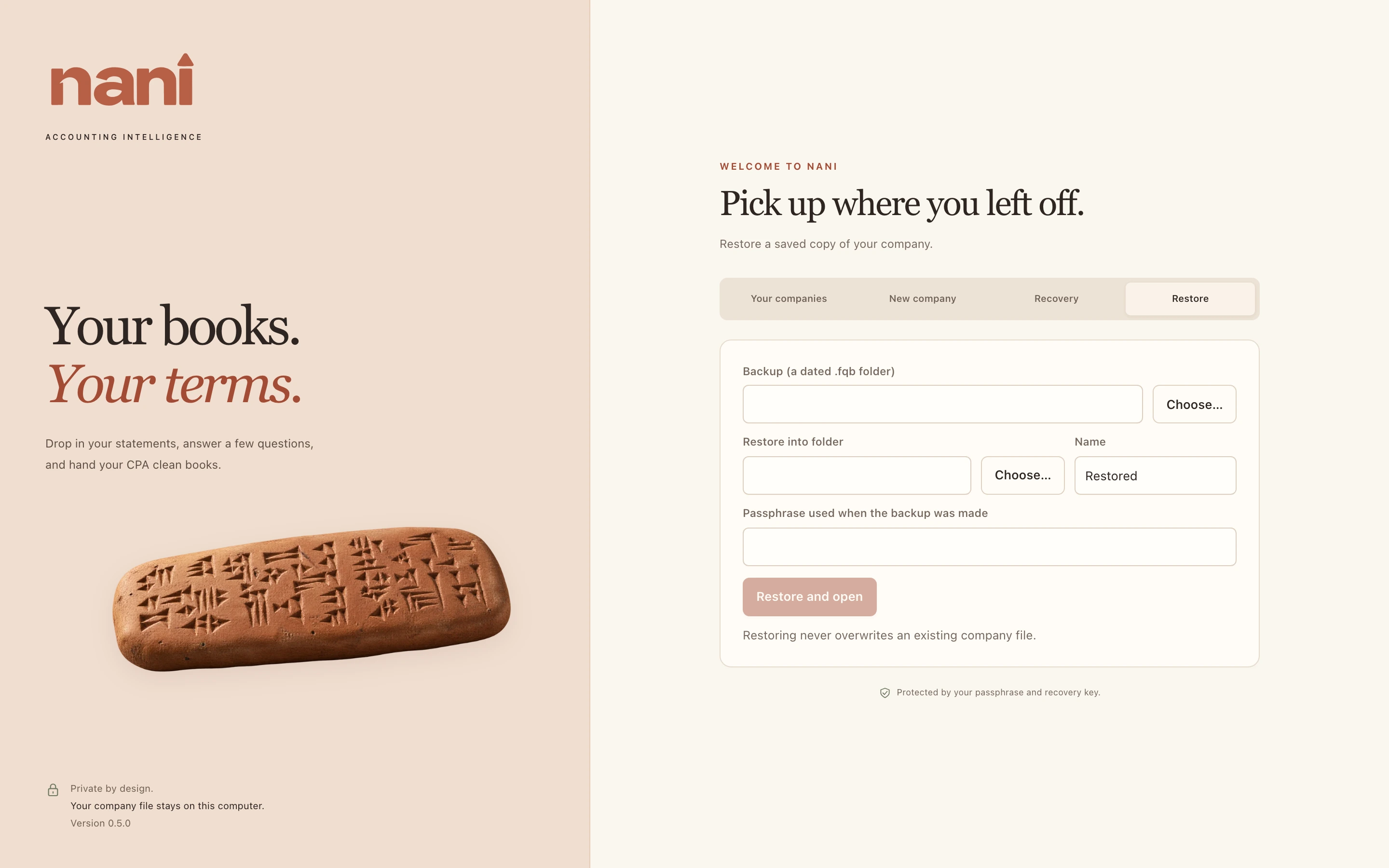
- Close the open company and choose the Restore tab on the welcome screen.
- Choose a dated backup, a destination and a name.
- Enter the passphrase that was in use when the backup was made.
Restoring always makes a new copy. It never overwrites a company file.
If the passphrase changed
Older backups still use the old passphrase. You can also use your recovery key: copy the backup somewhere, rename the copy to end in .fqb, then use the Recovery tab on that copy to set a new passphrase.