
One file, encrypted
Each company is one file on your computer, ending in .fqb (on a Mac it behaves like a folder). It holds everything: transactions, documents you've filed, your logo, settings and the audit log. It's always encrypted with your passphrase.
- You choose where it lives. Documents is a good place.
- You can keep several companies. Each has its own file, passphrase and settings.
- Opening it requires its passphrase or recovery key. Nani support cannot reset either for you.
Create your company
- On the welcome screen, choose Set up my company (or the New company tab).
- Type your business name, then choose what kind of business it is. This decides which tax return your books line up with. Not sure? Last year's return says it: Schedule C, Form 1065, 1120-S or 1120. Choose Continue.
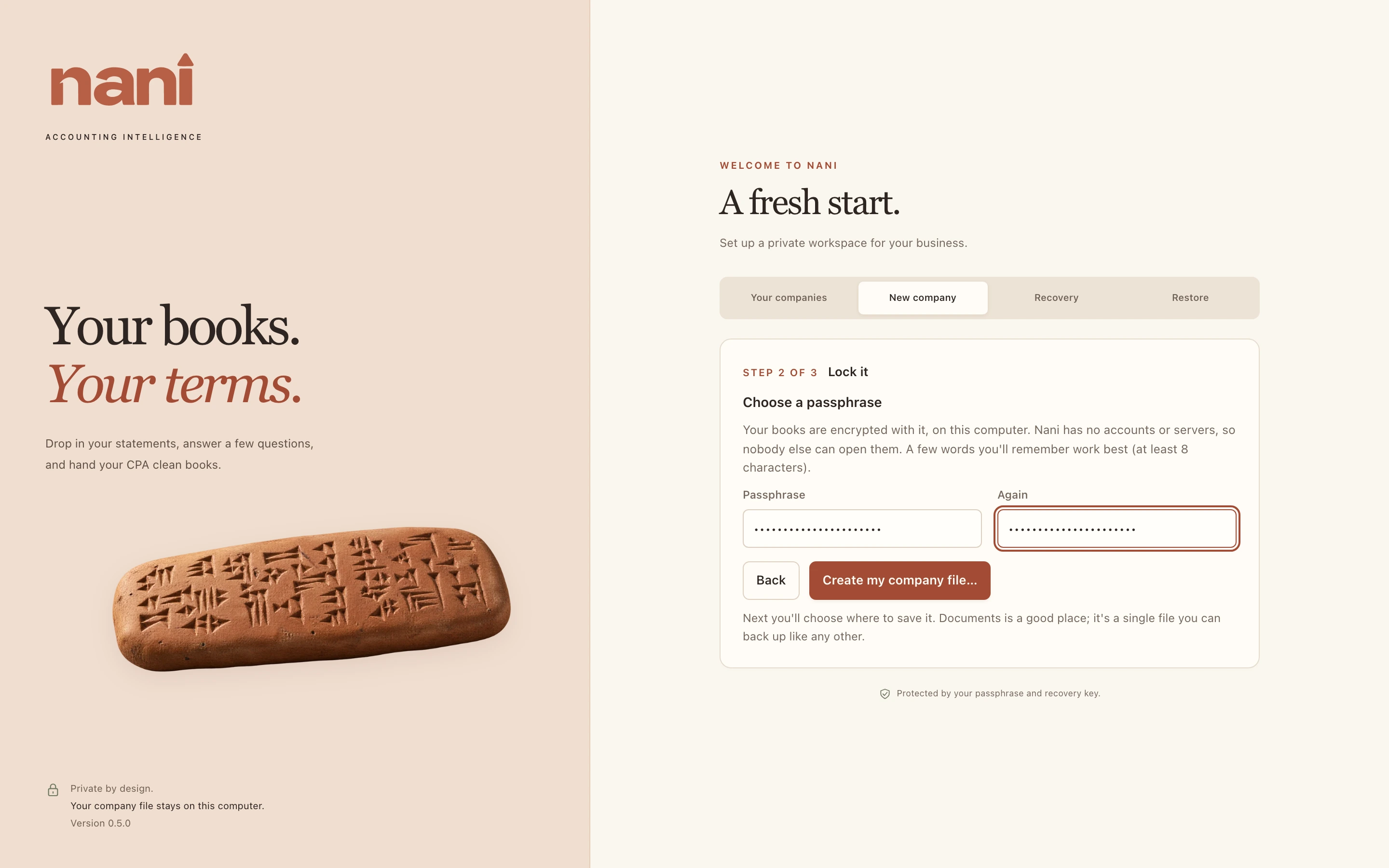
- Choose a passphrase of at least 8 characters and type it again. A few words you'll remember work best. Choose Create my company file… and pick where to save it.
- Save your recovery key (below). Then type its last four characters to show you have it, and choose I saved it. Let's set up my books.
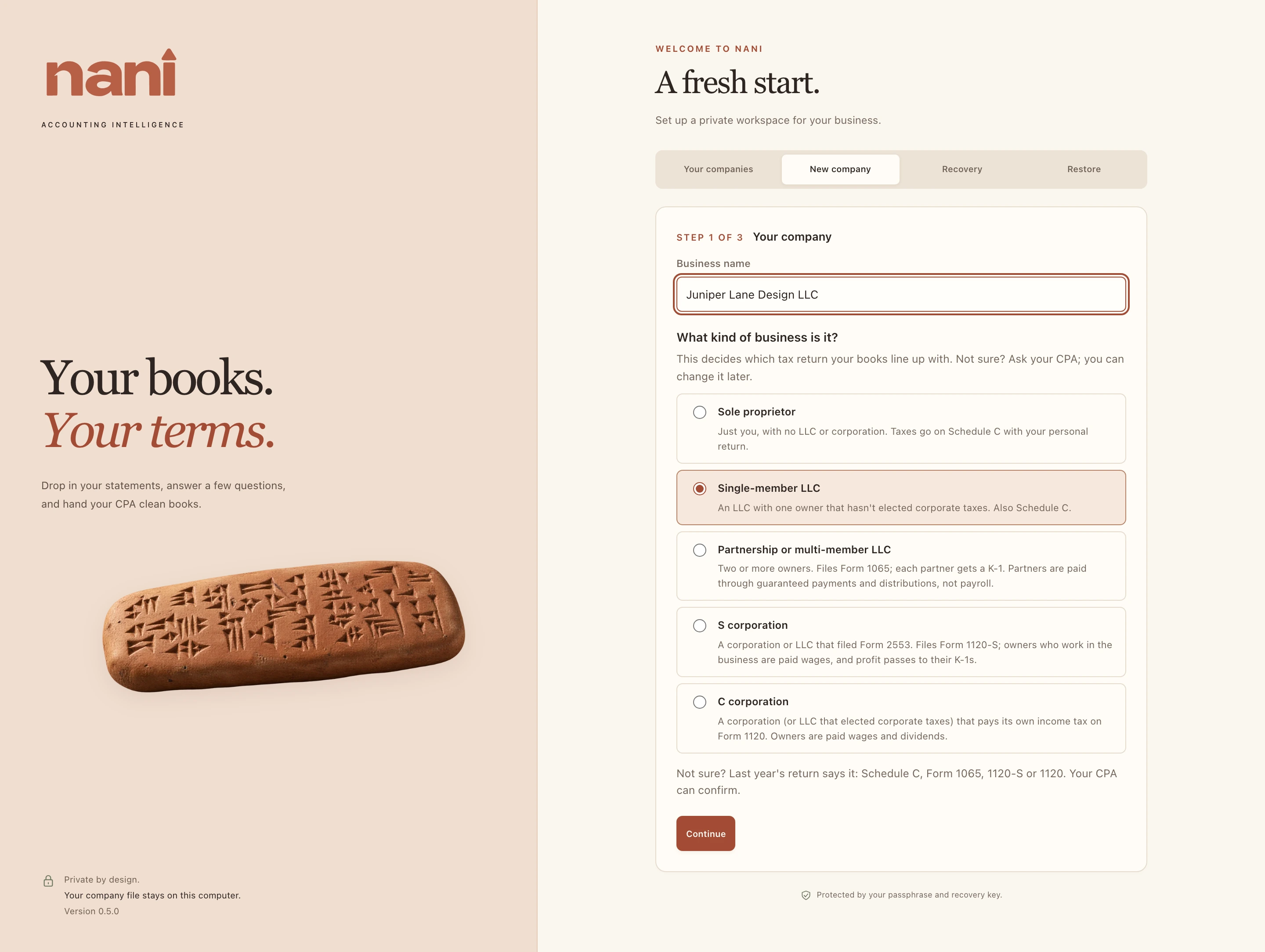
| Kind of business | Tax return | Owners are called | Money taken out is |
|---|---|---|---|
| Sole proprietor | Schedule C (Form 1040) | Owner | Draws |
| Single-member LLC | Schedule C (Form 1040) | Owner | Draws |
| Partnership or multi-member LLC | Form 1065 | Partners | Distributions (and guaranteed payments) |
| S corporation | Form 1120-S | Shareholders | Distributions (working owners get wages) |
| C corporation | Form 1120 | Shareholders | Dividends (working owners get wages) |