The list
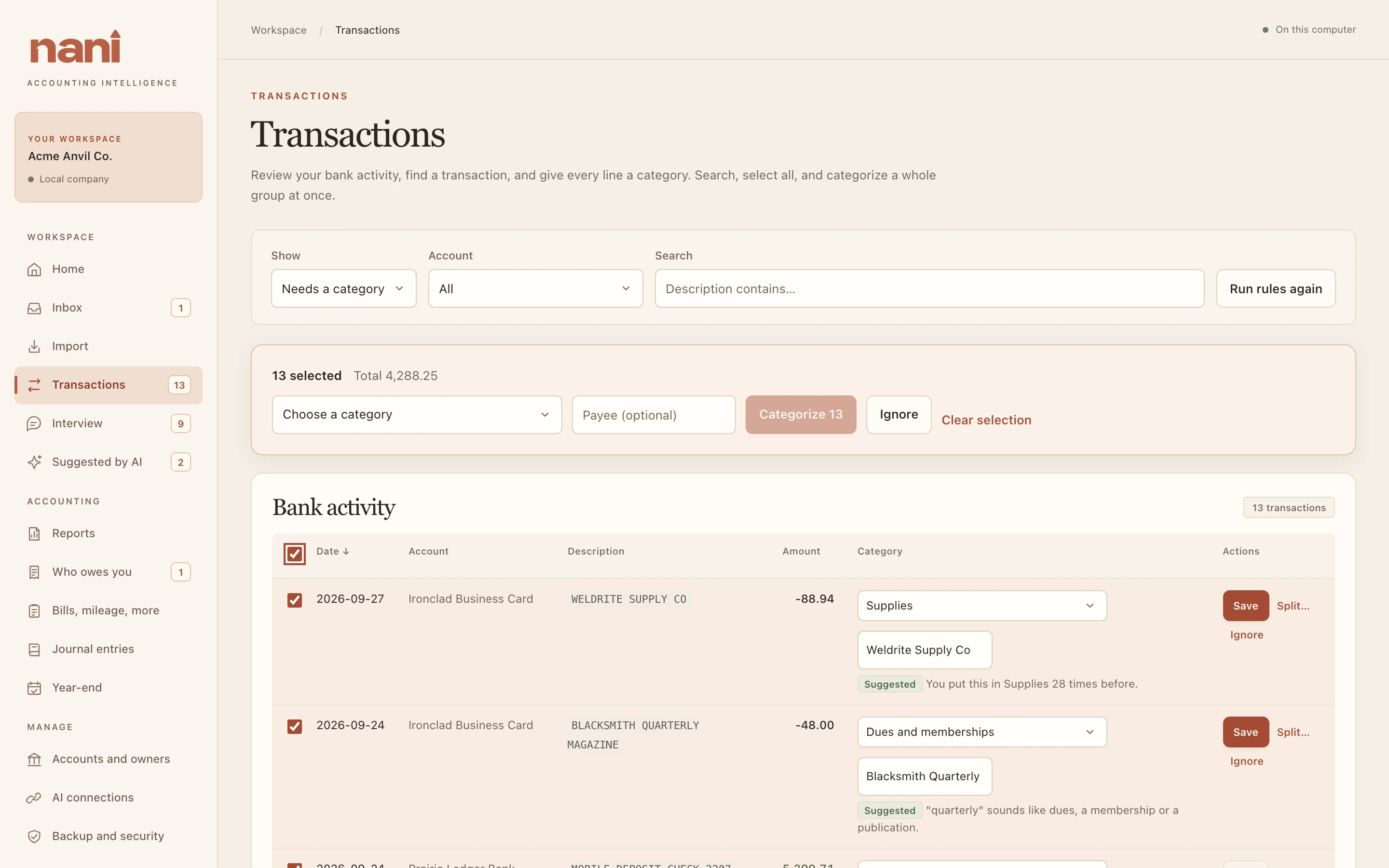
Transactions shows your bank and card lines, newest first. Filter by Show (needs a category, categorized, transfers, ignored or all), by Account, and with Search. If more than 500 lines match, Show more loads the next 500.
Give each line a category
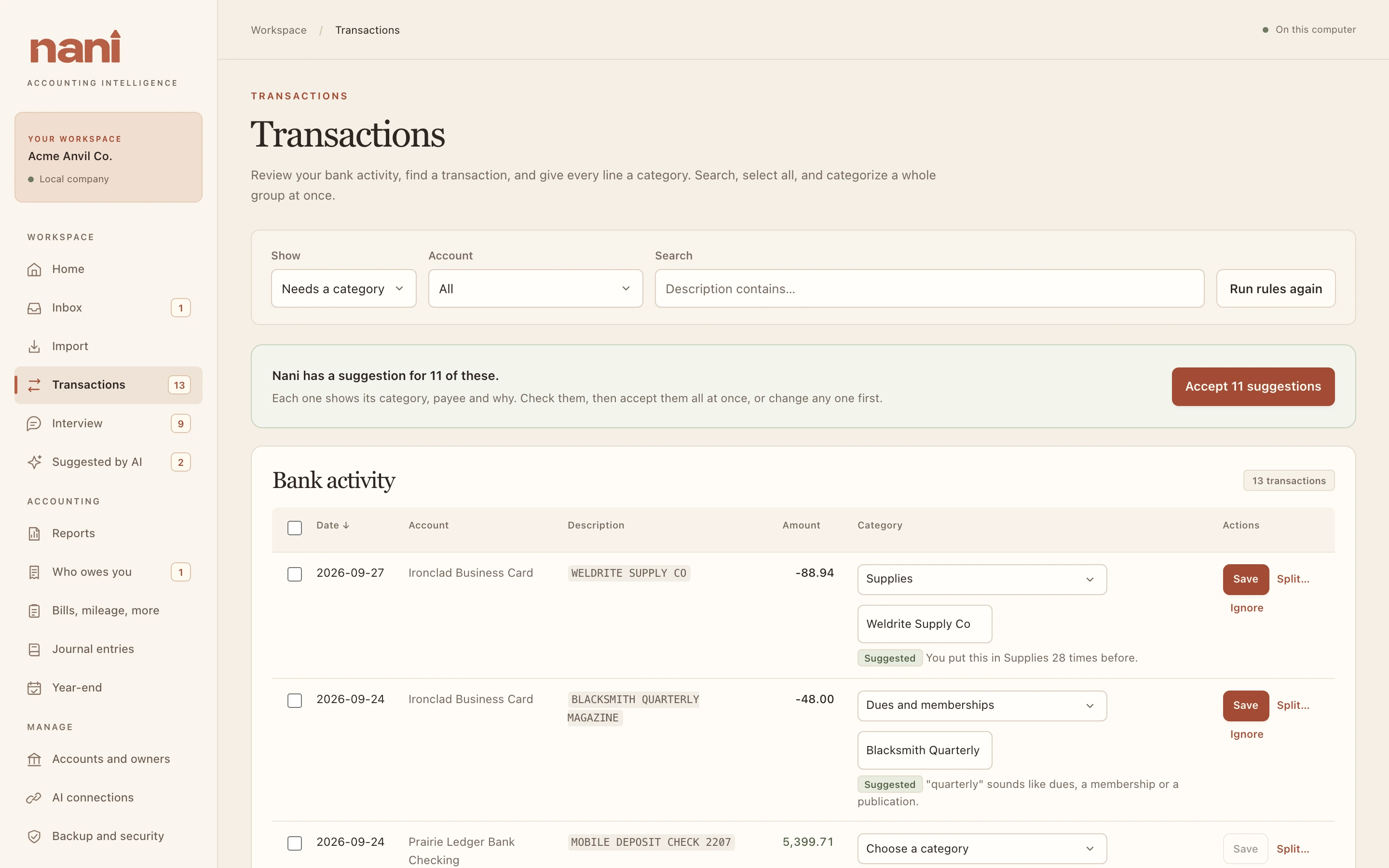
- Choose a category, and a payee if you like.
- Choose Save.
- Where Nani has a suggestion, it's filled in with a Suggested note saying why, like "You put this in Supplies 3 times before." Accept N suggestions at the top takes them all at once.
- Under each line you can see who booked it: you, one of your rules, Nani's merchant list, your past choices, your Interview answer, Autopilot, or your AI with your approval.
- Changing a category later reverses the old booking and posts the new one, so the history stays.
- Ignore is for a line that shouldn't be booked at all, like a pending charge that posted again.
What Nani does automatically
When you import, and when you choose Run rules again, Nani books what it's sure of, in this order:
- Your rules.
- Nani's merchant list for well-known merchants (money out only): fuel stations, software, phone and internet, utilities, shipping, office suppliers and so on.
- Your past choices: a merchant you've put in the same place at least twice goes there again (money out only).
Money coming in is never guessed, because income, an owner putting money in and a loan look alike. Those become Interview questions.
Many at once
Tick lines (or the box in the header to tick every line shown), then pick one category for all of them. With a search typed, you can also tick Remember: future transactions containing … go to this category, which makes a rule.