
Your rules
A rule categorizes new transactions as they come in. Rules come from the bulk bar's Remember box, from the Interview's Remember for next time, or from your AI with your approval. Your rules, at the bottom of Transactions, lists every one.
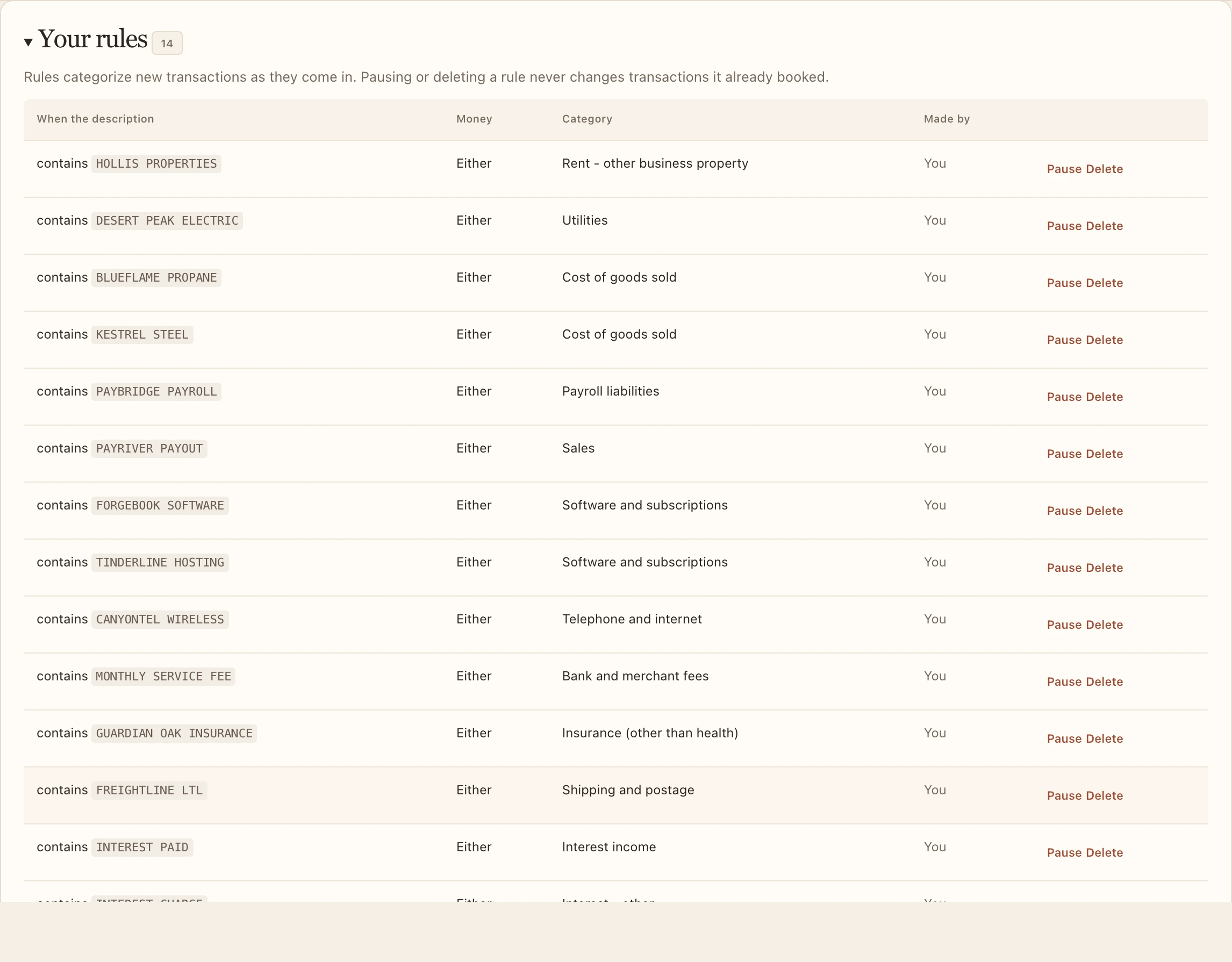
- Each rule says when it applies (the description contains, starts with or is exactly some text, or is the same merchant as an Interview answer), whether it's for money in or out, and the category.
- Pause stops a rule without deleting it. Delete removes it.
- Pausing or deleting a rule never changes transactions it already booked.